Product details
Electronic Restaurant Menu
Websites
 New
New
50$
99$
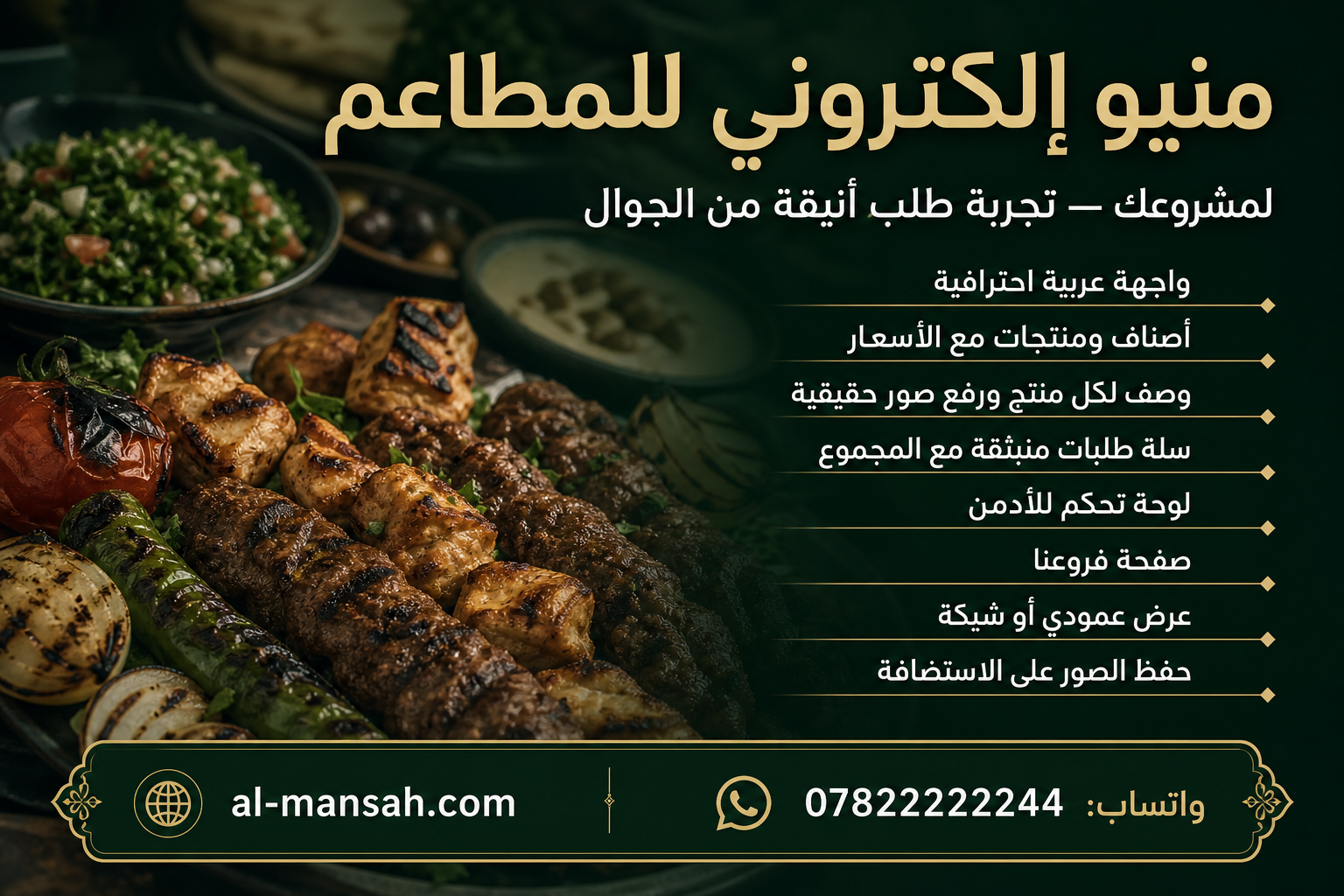
A professional digital menu for restaurants and cafes that lets you display items and products with clear prices, offering a smooth ordering experience through the cart, and a full control panel to manage content without needing a programmer. The interface is fully in Arabic, fast on mobile, and designed to showcase dishes attractively with images stored on hosting.
Features
- ### Electronic Restaurant Menu – Features & Requirements
- 1. Professional, fast, and fully responsive **Arabic RTL interface** for both mobile and desktop.
- 2. Home page with the **restaurant name** and an editable introductory description.
- 3. **Animated background images** on the homepage, with options to add, edit, and delete images.
- 4. An **animated dish carousel** that adds an attractive visual experience.
- 5. **Featured dishes** on the homepage that are clickable and open the menu directly.
- 6. **Menu** button to access the food menu and prices.
- 7. Display product prices with a **customizable currency** that can be changed from the settings.
- 8. Multiple categories such as **Appetizers, Main Courses, Grills, Desserts, Drinks**, and more.
- 9. Two menu display modes:
- * Categories first, followed by products.
- * Categories and products displayed together with quick navigation.
- 10. Display products in either **vertical list** or **grid view**.
- 11. Full product descriptions visible to customers.
- 12. Manual quantity selection with an **Add to Cart** button.
- 13. A **popup shopping cart** displaying all products, quantities, and prices.
- 14. Clear display of the **total order amount**.
- 15. Ability to **increase/decrease quantities or remove products** directly from the cart.
- 16. **Our Branches** page displaying branch name, address, and phone number.
- 17. **Password-protected admin panel**.
- 18. Product management: **Add / Edit / Delete** products.
- 19. Manage **prices, availability, and featured product status**.
- 20. Category management with a **dedicated image for each category**.
- 21. Upload images from a computer or mobile device and store them in the `uploads` folder on the hosting server.
- 22. Display images **fully inside their containers without cropping**.
- 23. Control the homepage text, including the **top line, restaurant name, and description**.
- 24. Control the **menu display mode** from the settings.
- 25. Full **branch management** through the admin panel.
- 26. Store menu data **locally**, while keeping images stored on the server.
- 27. A **production-ready design** suitable for daily use in a restaurant.